
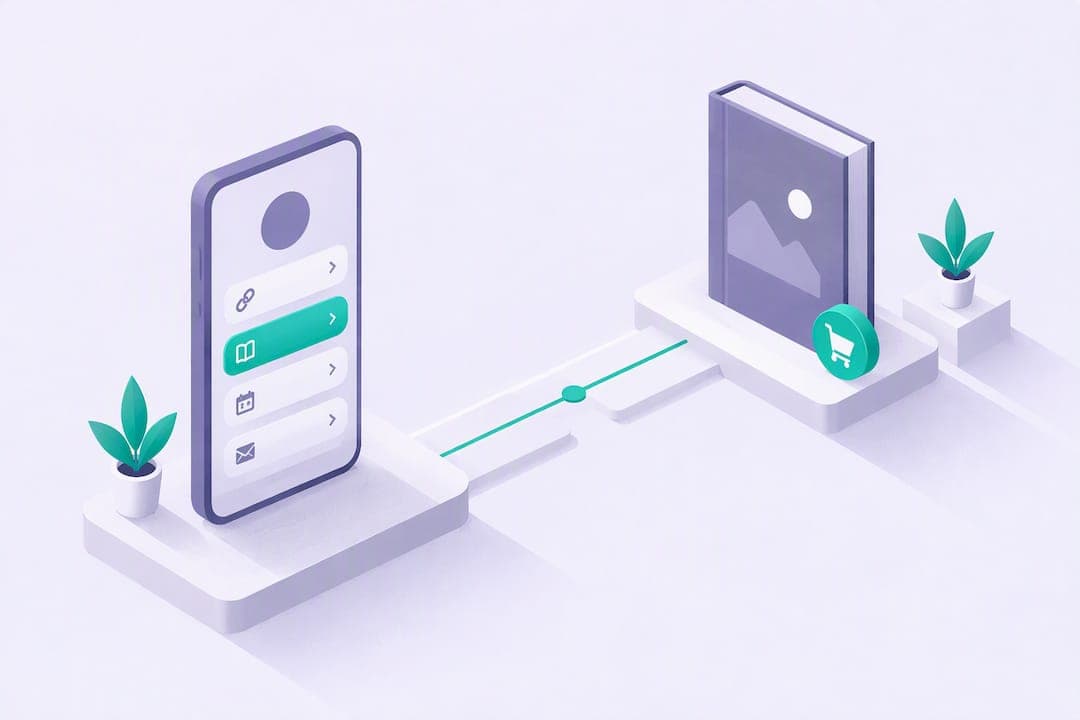
The fastest, highest-control way to start selling ebooks is to publish a ready-format file (PDF or EPUB), put it behind a single sales page that captures email, and drive traffic from your socials and list. Add one marketplace for extra reach, price by outcome rather than page count, and register your copyright through eCO if formal protection matters to your business.
TL;DR:
Use PDF for direct sales because it preserves the layout, and choose EPUB for marketplaces because its text reflows across screens and stores commonly expect it.
Amazon KDP pays 35% broadly or 70% in eligible territories, with delivery costs reducing the latter; Apple Books pays 70% regardless of price.
Test demand with $20 to $50 in paid promotion, send three launch emails, and reuse campaign posts over the following two weeks.
Publish a clear refund window of seven or fourteen days before checkout, and answer common questions about file formats, device support, and expired download links.
Table of Contents
-
Create and format your ebook: a minimal production checklist
-
Marketing and launch: get your first sales in days, not months
-
Copyright and payment logistics: registering and getting paid
-
Handling refunds and customer questions without losing your weekend
Where to sell: marketplaces vs your own sales page
Marketplaces bring built-in shoppers, but you pay for that reach. Store commissions, limited access to buyer emails, and pricing rules you don’t control all cut into what you actually learn from each sale. A dedicated sales page, the kind you’d build as a link-in-bio or mini site, flips that: you own the customer data, you can test a new price overnight, and you keep every email address for future launches.
For most creators, the smartest setup blends both:
-
Use your own sales page as the home base for pricing, bundles, and email capture.
-
List on one marketplace mainly for discovery, not as your primary revenue source.
-
Send marketplace buyers back to your list through a bonus or follow-up offer when the platform allows it.
Selling directly also lets you react in real time. If a $12 guide isn’t converting, you change the price that afternoon. On a marketplace, you’re often waiting on approval queues or fighting algorithm visibility instead. Direct sales give you the lever; marketplaces just give you the extra foot traffic.
Create and format your ebook: a minimal production checklist
Before anything else, decide your file type. PDF works well for direct sales because it looks the same on every device and preserves your layout exactly. EPUB is the better choice for marketplace stores, since it reflows text for different screen sizes and most platforms expect it.
-
Design your cover at the resolution your sales channel requires, and keep interior fonts and margins consistent for a clean read on phones and tablets.
-
Fill in your metadata (title, author name, a clear description, and a few searchable keywords) since this is what helps readers find your book once it’s listed anywhere beyond your own page.
-
Choose your delivery method: an instant download link, a gated download that requires an email first, or delivery handled by the platform itself.
-
Test every download path yourself, on both desktop and mobile, before you tell anyone it’s for sale.
Partner tools like Alhora’s ebook formatting software can handle the EPUB and PDF exports with proper typography and store-ready formatting, which saves you from fighting layout issues the night before launch.
Pro Tip: Open your final file on a phone, not just your laptop. Most buyers will read their first few pages on a phone screen within minutes of purchase.
Pricing and royalties: what you actually keep per sale

Price by the outcome you deliver, not by word count. Short, single-problem guides tend to sell well in the $7 to $15 range, while toolkits, templates, or anything with reusable components can command $35 or more because buyers are paying for a tangible result, not just information.
Royalty mechanics vary by platform:
-
Amazon KDP offers a 35% royalty option everywhere, and a 70% option in specific territories, reduced by delivery costs tied to your file size.
-
Apple Books pays 70% on ebooks regardless of price, with next-day sales reports so you can see what’s working.
-
Selling from your own page means no marketplace commission at all, though you’ll still cover payment processing and your platform’s own fee.
On your own site, your net per sale usually comes down to list price minus platform fee minus payment processing minus any applicable tax. That math matters more than the sticker price when you’re comparing channels.
Marketing and launch: get your first sales in days, not months
Build your sales page before you build anything else. It needs a clear headline that states the result, two or three bullet benefits, a cover thumbnail, a visible price, and an email field before the download button.
-
Launch to your email list first, since those readers already trust you and convert faster than cold traffic.
-
Post short-form content on social platforms that funnels directly to your link-in-bio page, not to a generic homepage.
-
Run a small paid test, even $20 to $50, to see whether your price point holds up with strangers before you scale spend.
-
Repurpose your launch content into a few follow-up posts over the next two weeks instead of writing everything from scratch.
A short, limited-time discount in week one creates urgency without devaluing the book long term. Bundling two related guides at a slightly higher price also tends to lift average order value more than discounting a single title ever will.
Pro Tip: Send three emails during launch week instead of one. The first announces, the second answers a common objection, and the third closes with a deadline.
If your emails are landing in spam instead of inboxes, that launch sequence won’t matter. Deliverability fixes like warming up your sending domain and cleaning your list before a big send protect the open rates your launch depends on.
Copyright and payment logistics: registering and getting paid
If you want formal copyright protection in the United States, the eCO system lets you upload an electronic copy directly for works published only in digital form. The standard application tutorial walks through three steps: complete the application, pay the fee through Pay.gov or card, and upload your file or mail a physical copy when the category requires it.
On the payment side, a short checklist saves you headaches later:
-
Confirm your payout timing before launch, since some processors hold first payouts for a review period.
-
Set up basic sales tax or VAT collection appropriate to where your buyers are located.
-
Keep simple records of every sale, refund, and payout for your own bookkeeping and for tax season.
Handling refunds and customer questions without losing your weekend
A clear refund policy stated on your sales page before purchase prevents most disputes before they start. Spell out your window (seven or fourteen days is common for digital products) and what qualifies, since ebooks can’t be “returned” the way physical goods can.
When a refund request comes in, respond quickly and without friction. A fast “yes, refunded” for a reasonable request protects your reviews and your reputation far more than it costs you in lost revenue. Save your energy for disputes that look like abuse, such as repeated purchases and refunds from the same buyer.
For routine questions, a short FAQ section on your sales page (file format, device compatibility, how to redownload) cuts down on support messages before they’re even sent. Keep a saved reply or two for the most common issues: wrong email on file, download link expired, or trouble opening the file type. Most of these resolve in one message when you’ve already anticipated them.
Treat support response time as part of your product. A same-day reply to a frustrated buyer often turns a one-star complaint into a quiet non-issue, and buyers who feel heard are more likely to buy your next release.

Why Constants makes selling your ebook simple
We built Constants to put your sales page, your file delivery, your email capture, and your sales analytics in one place instead of five. You design a mini site around your ebook, connect your payment account, and watch which headlines and prices actually convert.

-
Our Essentials plan is free to start, and Premium runs $29.99 per month for added tools and higher limits.
-
Every plan carries a flat 6% platform fee on sales, with Stripe processing and tax handled separately, which is lower than the free-plan fees at Linktree (12%) and Beacons (9%).
-
You get a customizable landing page, built-in email capture, and performance analytics without stitching together separate tools.
If you’re ready to see it in action, build your landing page, upload your ebook file, and run a short organic or paid test this week on our pricing page.
FAQ
What is the best site to sell ebooks?
There’s no single best site. The strongest setup usually combines a direct sales page you control, like a mini site or link-in-bio page, with one marketplace for added discovery. Direct sales give you pricing control and your buyers’ email addresses, which marketplaces typically don’t.
Can you really make money selling ebooks?
Yes, outcome-focused ebooks with clear, specific results tend to perform well, especially short guides priced $7 to $15 or toolkits priced $35 and up. Revenue depends heavily on your audience size, pricing, and whether you combine a direct sales page with a marketplace listing.
How much does Amazon pay per eBook?
Amazon KDP offers a 35% royalty option in all territories and a 70% option in specific eligible territories, with the 70% rate reduced by delivery costs tied to your file size. Your actual payout depends on your list price, territory, and file size.
Can you sell ebooks to Amazon?
You don’t sell your ebook to Amazon outright.